ALL ROOMS /
Maxi Courtyard Room
Rates for Whole House (per night)
1 ROOM (2 SINGLE BEDS)
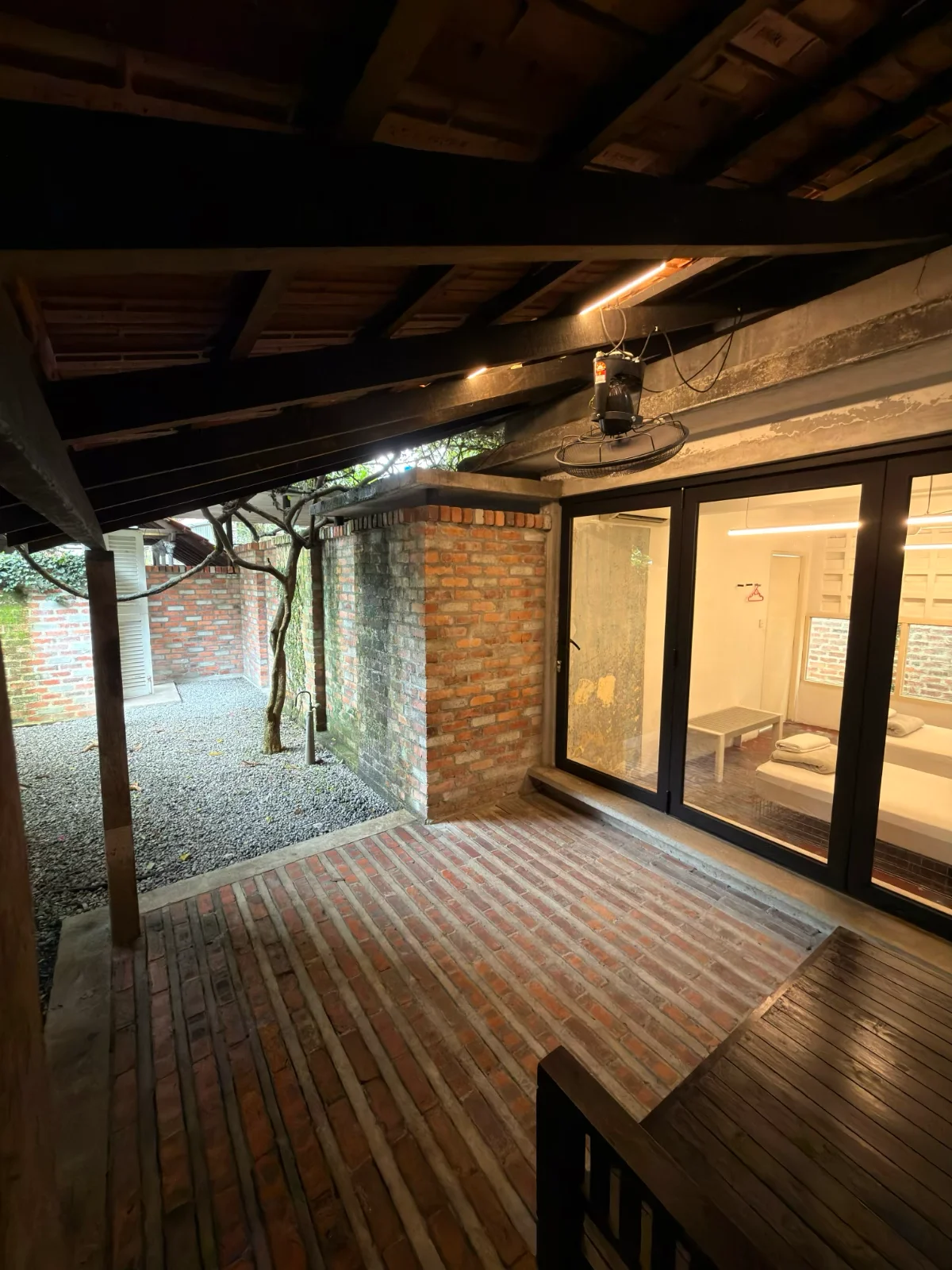
| Details | Per night (2 pax) |
|---|---|
| Monday-Sunday | RM220 |
| Max. 2 pax | No extra guests allowed |
HOW TO BOOK?
STEP 1: Select your dates
In the calendar below, click only your first and last night, not your check-out date.
Example:
Check-in 1 Feb, check-out 4 Feb: click 1 Feb, then 3 Feb (your last night). Skip 4 Feb and the dates in between.
One-night stay: click only your check-in date.
To undo, click your first selected date again.
STEP 2: Fill in the booking form
Complete all fields below.
STEP 3: Review and submit
Check that your total cost and check-in/check-out dates are correct, then press SUBMIT. Wait a few seconds without reloading the page. We'll confirm your booking by email along with payment details.
BOOKING CONDITIONS HOUSE RULES LAYOUT PLAN
BOOKING CONDITIONS
- Check-in from 3pm, check-out by 12pm.
- All rates are nett.
- Children aged 5 and above are charged as adults.
- Meals are not included.
- RM50 fine for a lost key.
- Turn off lights and air-con before leaving the room.
- No smoking in rooms or the living room.
- No pets.
- Listed rates are for standard stays only. Photo & video shoot, and event bookings require prior permission and booking; please email us.
- Site visits are available by appointment, subject to availability (Mon-Thu, 12pm-2pm). Please email us to arrange one.
- For cancellations, date changes, and liability, please refer to our full Terms & Conditions page.
- A refundable RM500 deposit applies to Meeting Space, Whole House, Photo & Video Shoot, and Event bookings; see our Terms & Conditions for details.
HOUSE RULES
We're located in a residential area, and noise is our neighbours' top concern — please help us keep it down, especially after dark.
- NO PARTIES, EVENTS, OR FUNCTIONS, including catering services, canopy setups, or food trucks.
- NO AMPLIFIED MUSIC OR LOUD NOISE — this includes amplifiers, loudspeakers, karaoke, loud musical instruments, and firecrackers.
- QUIET HOURS FROM 11PM. After this time, you're welcome to keep gathering quietly indoors in the living room or outdoors in the dining area.
- NO EXTRA GUESTS, VISITORS & DAY-TRIPPERS, anywhere in the house or compound. Admission is limited to those included in the booking.
- Alcohol is permitted in moderation only.
- No snow spray, confetti, party poppers, or similar items.
- Please park considerately and avoid blocking neighbours or passing vehicles. Carpooling or e-hailing is encouraged.